How to Build an AI Customer Service Knowledge Base from Scratch
Poor AI chatbot performance comes down to the knowledge base 90% of the time. This guide walks you through building one from zero — covering content collection, intent classification, Q&A writing, and iterative improvement.
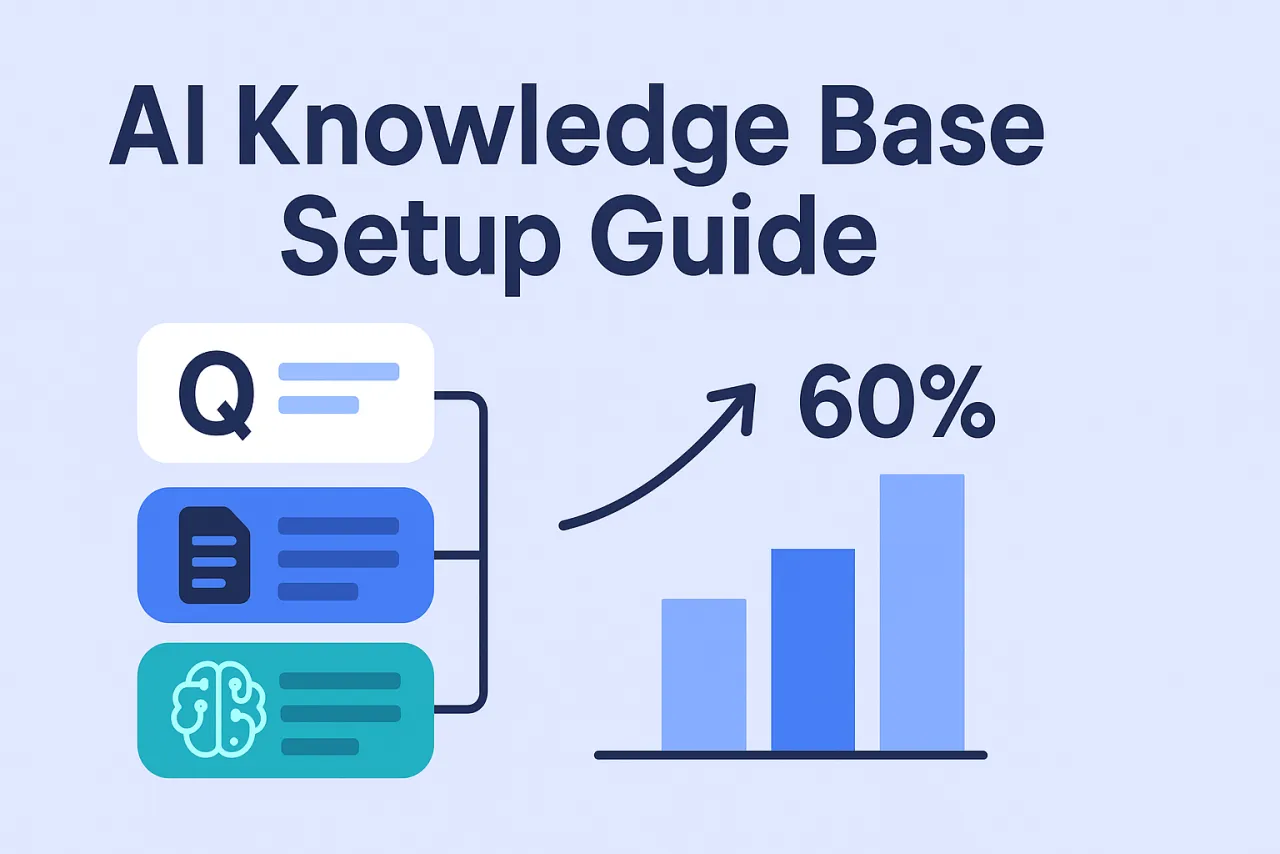
TL;DR — Getting from zero to a first live knowledge base takes 1–2 days. Getting from live to consistently handling 60%+ of inquiries automatically usually takes 4–6 weeks of iteration. Poor AI chatbot performance is almost always a knowledge base problem, not an AI problem.
Many teams deploy an AI chatbot, use it for two weeks, then give up — "it gives completely irrelevant answers," "it says it doesn't know anything," "human agents are faster."
The problem is almost never the AI itself. It's that the knowledge base wasn't built properly.
An AI can only answer what it knows. The knowledge base is where you tell the AI "answer these questions like this." An empty knowledge base turns the AI into a glorified "I can't help with that — let me transfer you to a human" machine.
How AI Customer Service Actually Works
The core flow has four steps:
- A visitor sends a message
- The system does semantic analysis to identify user intent
- The knowledge base is searched for the closest matching Q&A entry
- Above the confidence threshold → auto-reply; below the threshold → escalate to human
The critical step is #3. If the question isn't in the knowledge base, the AI can't answer it — regardless of how advanced the underlying model is.
Step 1: Extract Real Questions from Real Conversations — Don't Guess
Don't start from "what do I think users will ask?" Users' actual questions and your guesses are usually very different.
Three data sources:
① Historical conversation logs (most important): Pull the first message from every human agent conversation over the past 3–6 months. Those 100–500 raw questions are the raw material for your knowledge base.
② Agent expertise: Ask your support team to list the 10–20 questions they answer most often every day — in the customer's own words, not official phrasing. Users say "how do I top up," not "how do I complete an account recharge operation."
③ Site search terms and FAQ clicks: Your internal search logs directly reflect what users are trying to find. FAQ page click counts tell you which questions get the most traffic.
Once done, you should have a raw list of 50–500 questions.
Step 2: Classify by Intent, Not by Topic
Topic-based classification is intuitive, but it performs poorly for AI matching.
| Classification approach | Example | Problem |
|---|---|---|
| By topic (not recommended) | "Account issues" | Too broad — "account suspended" and "forgot password" are completely different intents |
| By intent (recommended) | "How do I recover a forgotten password" | Specific and concrete — AI can match directly |
Common intent categories:
- Pricing and plan inquiries
- Feature availability questions
- How-to / operational questions
- Account and login issues
- Payment and order issues
- Complaint and refund procedures
Each intent = one knowledge base entry: one canonical question + several phrasings + one complete answer.
Step 3: Write Good Q&A Pairs
The quality of your knowledge base entries directly determines the quality of the AI's responses.
Write multiple phrasings for every question
Users phrase questions very differently. The same question might have 5 different expressions:
- "how do I top up"
- "how do I buy a plan"
- "where do I pay"
- "I want to subscribe"
- "where do I renew"
All five should trigger the same answer. Add them all as "similar questions" or "trigger phrases" in the knowledge base.
Make answers complete, not vague
❌ Bad answer:
You can top up in the system. Please refer to the relevant instructions for details.
The user still doesn't know what to do and will ask again.
✅ Good answer:
Log into the dashboard → click your avatar in the top-right → select "Subscription & Billing" → click "Top Up Now," enter your USDT wallet address and complete the transfer. Funds typically arrive automatically after 1–3 block confirmations.
Three criteria for a good answer:
- The visitor doesn't need to ask a follow-up question after reading it
- It includes specific steps or numbers
- It addresses multiple scenarios if applicable
Step 4: Stress Test Before Going Live
Don't go live to real visitors immediately after building the knowledge base.
① Send every question from your raw list to the AI: Record the results — answered correctly, answered incorrectly, no answer. If the error rate exceeds 30%, coverage is insufficient — add more before launching.
② Test each question in 3–5 different phrasings: If the AI only recognizes the canonical wording and fails on variations, add more similar phrasings.
③ Ask questions outside the knowledge base intentionally: Check that the AI responds with a reasonable "I can't help with that — transferring you to a human agent," rather than giving wrong or irrelevant answers. The handoff trigger is critical.
Step 5: Iterate Weekly After Launch
An AI chatbot is not a "configure once and forget" tool.
Build a 30-minute weekly habit:
- Review "unmatched" logs — conversations where the AI didn't find an answer
- Identify recurring questions (if the same question appears 3+ times, add it to the knowledge base)
- Improve entries where the AI had a match but users still escalated to human (coverage exists, but the answer isn't good enough)
A typical improvement curve:
- Week 1 after launch: AI handles ~20–30% automatically
- Weeks 2–3: Rises to 40–50% as you fill gaps
- Weeks 4–6+: Stabilizes at 60%+
60% isn't the ceiling — continued iteration can push it higher. But the jump from 20% to 60% typically cuts the support team's repetitive workload in half.
The Three Most Common Failure Modes
Writing questions in formal language, not user language: The knowledge base says "how to complete account renewal," but users ask "how do I renew" — semantically similar, but if the matcher isn't strong enough, it won't recognize them. Always write trigger phrases in the user's own words.
Vague answers: "Please contact customer support" answers are non-answers — they just push users back to human agents. Every answer should let users complete what they need without needing to talk to anyone else.
Not reviewing data after launch: The value of a knowledge base is in continuous iteration, not one-time setup. Ignoring "unmatched" logs means ignoring your best optimization opportunity.
FAQ
How many entries does the knowledge base need?
There's no fixed number — it depends on product complexity. An e-commerce business covering 50–100 core questions can typically handle most inquiries; a complex SaaS product may need 200–500. Don't aim for complete coverage at the start — get the top 20 most-asked questions right first.
What's the difference between an AI chatbot and a regular chatbot?
Regular chatbots usually rely on keyword matching: users must say specific words to trigger a response, and any variation breaks it. AI customer service uses semantic understanding, recognizing different expressions of the same intent and adapting more effectively.
How do I handle multi-language scenarios?
On platforms with real-time translation, you only need to maintain one language version of the knowledge base. The platform automatically translates user questions into the knowledge base language for matching, then translates answers back to the user's language. Your support team maintains a single set of content.
Can the AI send messages proactively?
Yes, but that's an "automated messages" feature — a separate system from knowledge base replies. Greeting visitors after 30 seconds on the page, triggering prompts on specific pages — these proactive engagement features need separate configuration.
From collecting questions to launching a first version usually takes 1–2 days. Qiabot supports custom knowledge bases and semantic matching. You can start configuring immediately after signing up — no review process required.