What Is a Live Chat System? A Complete 2026 Buyer's Guide
A live chat system is the tool businesses use to communicate with website visitors in real time. This guide covers core features, how to choose the right one, and common mistakes to avoid.
TL;DR — A live chat system is that chat bubble on a website — visitors click it to talk with a human or AI in real time. Response time drops from email's hours to seconds. This guide explains how it works, what features to look for, and which pitfalls to avoid.
A visitor spent three minutes on your pricing page, then closed the tab.
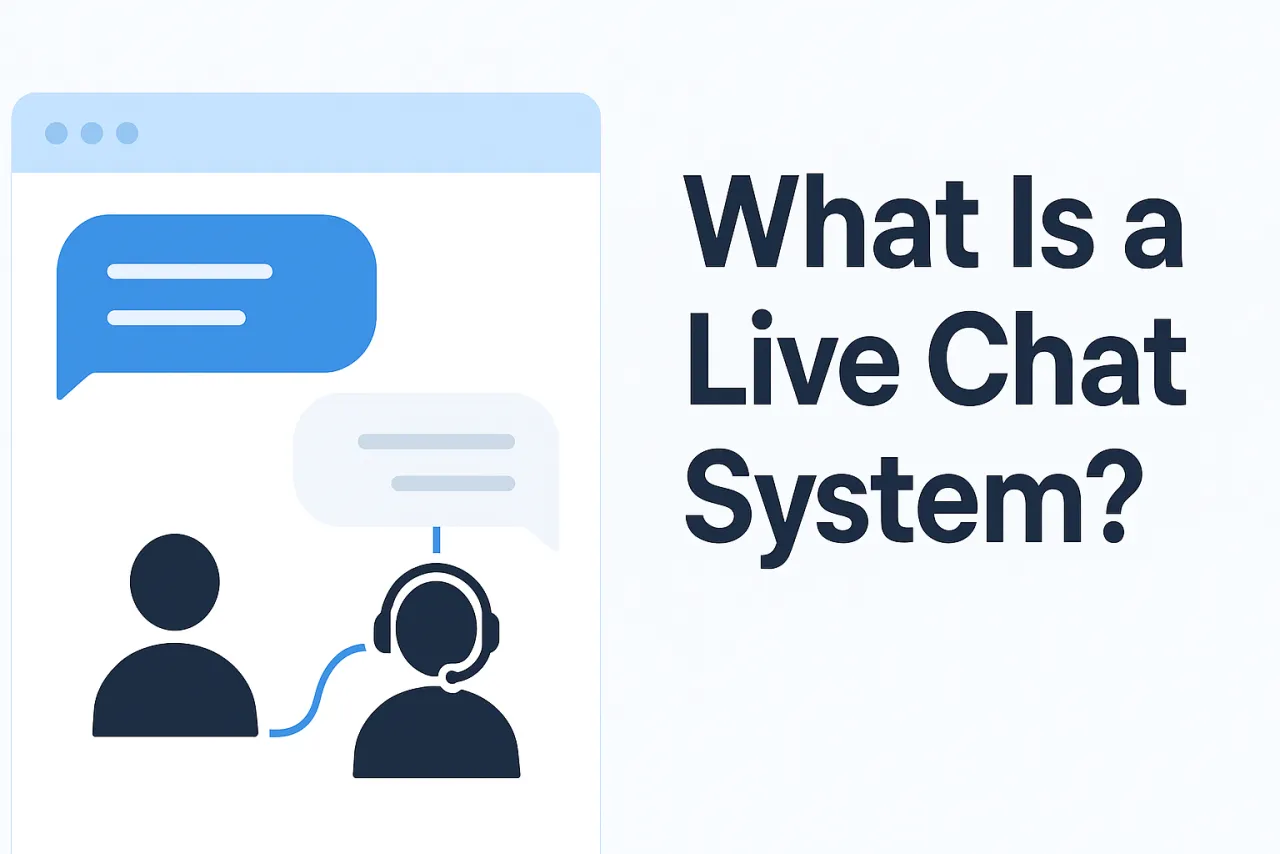
If there had been a chat bubble in the corner, they could have asked their question in that moment of hesitation. A live chat system is that window.
How It Works
A complete live chat system has three components:
- Visitor-side chat widget — the chat window embedded in your website, deployed with a single JavaScript snippet
- Agent dashboard — the backend interface where agents handle conversations, supporting multiple simultaneous chats
- Real-time communication layer — a persistent WebSocket connection so messages arrive instantly, no page refresh required
From when a visitor clicks the chat button to when the agent receives the message, the whole process typically completes in under a second. With AI auto-response enabled, the reply is nearly instantaneous.
Core Feature Checklist
When evaluating software, these are baseline features — missing any of them will affect day-to-day use:
| Feature | Description | Why it matters |
|---|---|---|
| Real-time text chat | Instant messaging between visitor and agent | The fundamental capability |
| Rich media support | Images, files, video | Handles "can you look at this screenshot?" questions |
| Multi-conversation management | One agent handles multiple chats simultaneously | Determines team capacity |
| Visitor information tracking | Current page, referral source, time on site | Gives agents context so they don't ask repeat questions |
| Quick reply templates | Pre-set common responses, send with one click | Cuts repetitive typing, improves response speed |
| Offline message collection | Captures contact details when agents are away | Don't lose leads during nights and weekends |
| Conversation history export | Export as Excel / CSV | Compliance requirement and analytics data source |
| Read receipts | Agents see whether the visitor has read their reply | Prevents the "did you see my message?" back-and-forth |
Advanced features (typically requiring professional or enterprise plans):
- AI auto-reply: Knowledge base-driven, handles high-frequency repetitive questions automatically, runs 24/7
- Real-time multilingual translation: Agent replies in English, visitor reads in their language (42 languages supported)
- Visitor typing preview: Agents see what the visitor is typing before they send it, speeding up response preparation
- White-label / custom domain: Visitors see no third-party branding, strengthening brand consistency
- Permission management: Multi-team, multi-role collaboration — suited for support teams of 10+
How to Choose: Start With Your Core Requirements
By Use Case
| Use case | Core need | Secondary need |
|---|---|---|
| Cross-border e-commerce | Multilingual translation, no ID verification required | Mobile experience, multi-store support |
| SaaS product | API / webhook integration, custom attribute tracking | AI auto-reply, visitor behavior tracking |
| Anonymous / crypto business | No KYC, data isolation, crypto payment | White-label domain, multilingual |
| Local storefront | Simple deployment, basic chat | Mobile app for managing on the go |
By Team Size
| Team size | Recommended setup | Watch out for |
|---|---|---|
| 1–3 people | Basic plan, per-seat billing | Concurrency limits on free/low-cost tiers |
| 4–20 people | Smart routing and permission management | Test peak-hour concurrency capacity |
| 20+ people | Quality monitoring, reporting, SLA management | Evaluate self-hosted or enterprise support |
How to Balance AI and Human Agents
The mainstream model in modern live chat is AI handles first contact, escalates to human when it can't resolve:
- AI handles: Password resets, product spec questions, shipment tracking — repetitive high-frequency questions that typically make up 50–70% of total volume
- Human handles: Refund disputes, complex personalized requests, emotionally charged users, sales conversion scenarios
This model frees human agents from processing large volumes of repetitive inquiries so they can focus on conversations that genuinely require judgment — which actually raises overall service quality.
Not every team needs AI: If your daily inquiry volume is under 50, human-only works fine. There's no need to introduce the configuration complexity of AI yet.
Things to Confirm Before Buying
① Activation requirements: Does it require business registration? Identity verification? Cross-border teams often get stuck here.
② Concurrency capacity: How many simultaneous conversations does each seat support? The gap between 99.9% uptime (~8.7 hours of downtime per year) and 99.99% (~52 minutes) is significant — e-commerce teams should confirm this explicitly.
③ Data ownership: Where are conversation records stored? Can they be exported? Is data fully isolated between accounts?
④ Payment methods: Which payment channels are supported? Some cross-border businesses need USDT or international credit card payment options.
⑤ Deployment complexity: Can one snippet of code get you live? Or does it require IT team involvement? For teams that need to move fast, this directly affects how quickly you can actually launch.
FAQ
Are a live chat system and a chatbot the same thing?
No, but they're often integrated together. A live chat system is the overall platform, encompassing both human agent management and AI bot modules. The AI bot is the automation component within that platform, handling conversations that don't require human involvement. They work together, not as substitutes for each other.
Do you need to know how to code to install it?
No. A single <script> tag, copy-paste before the </body> closing tag. WordPress, Shopify, Webflow, and other major website builders all have designated places to do this — non-technical staff can complete it in 10 minutes.
How many conversations can one agent handle at once?
It depends on the platform and plan. Professional-grade systems typically support 100–500 concurrent conversations per seat; basic tiers may only support 5–20. Estimate your peak concurrency before buying, so you don't hit a bottleneck when your business grows.
What happens to visitors when agents are offline?
Three options: ① AI bot continues to respond — 24/7 coverage ② Show an offline message + leave-a-message form — visitors leave contact details for follow-up ③ Hide the chat button entirely — best for teams that only want to offer support during fixed hours. Option one works best; option three is simplest to implement.
How is data security handled?
Reputable platforms enforce tenant-level data isolation between accounts — different customers' data is independent and cannot be accessed across accounts. Data in transit uses TLS encryption; data at rest is encrypted as well. Also confirm whether the platform operator has any access to your business conversation content.
If you need to launch fast without going through an approval process, and you need multilingual support, Qiabot lets you sign up with an email address and run your first conversation within 5 minutes.